

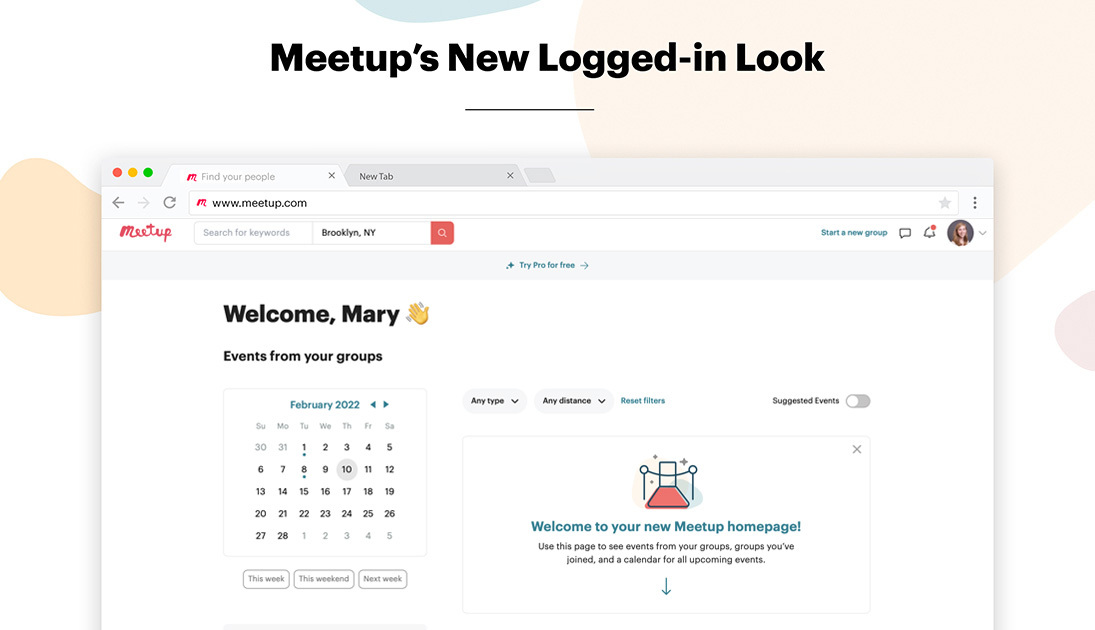




After interviews and surveys with organizers and members, Meetup has updated the look, feel, and functionality of your logged-in home experience. The new layout and its features make it easier to find the events, communities, and experiences that you come to expect from Meetup.
Check out a full breakdown of what’s new in 2022.
A fresh new look for your events
When you log into Meetup, you’ll notice that your homepage looks a little different. In this article, we’ll take a look at the new home experience starting at the top.
Underneath the search bar at the very top of the page, you’ll see a welcome message. This message, as well as your photo icon in the top right corner, indicates that you are logged into the Meetup platform.
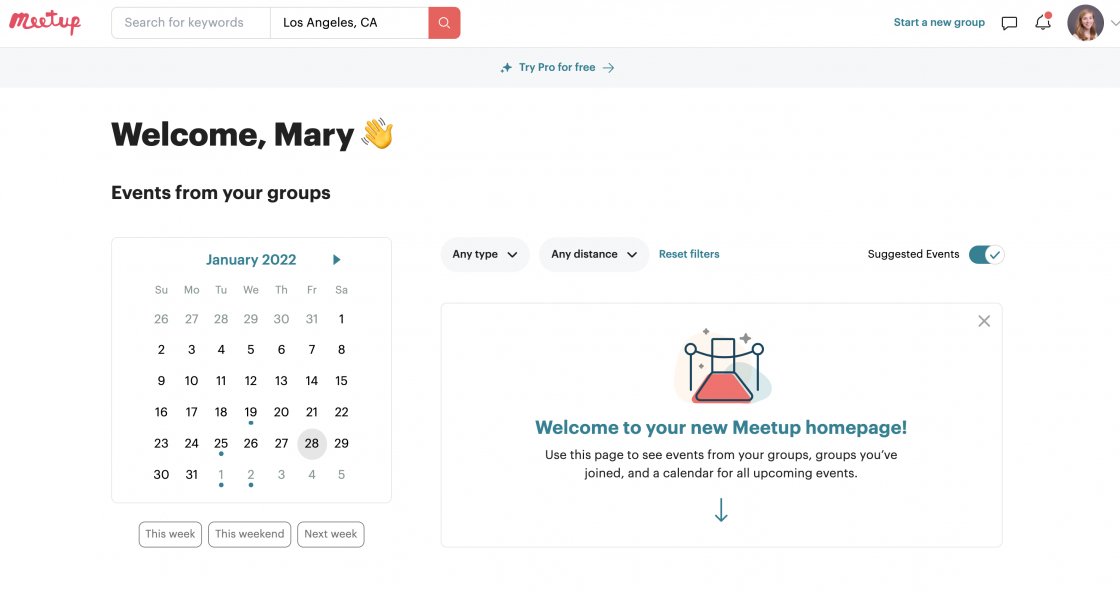
Event calendar
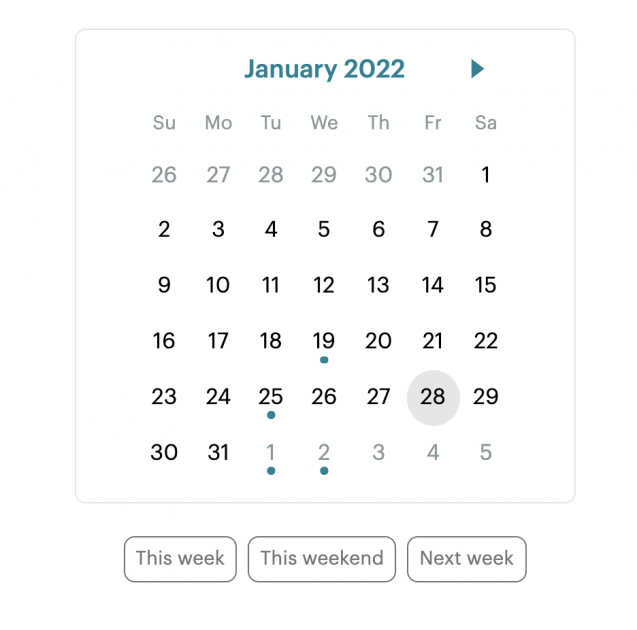
On the left, you’ll find a calendar that allows you to see all your events by selecting a specific date. Dates with dots indicate that there is an event you’ve registered for or saved on that day.
Event feed
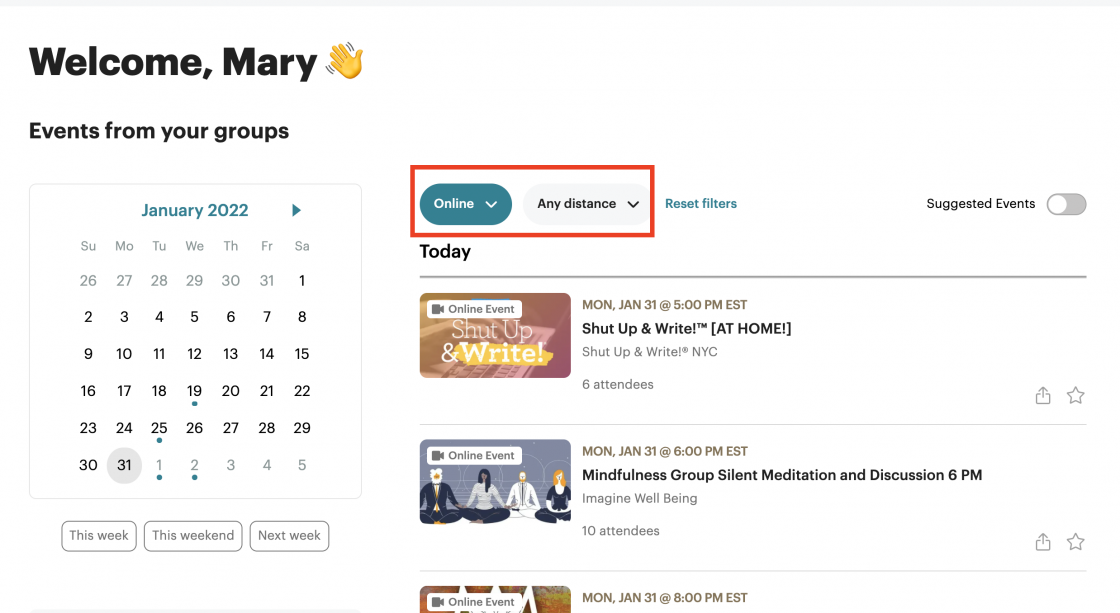
Events from groups that you have joined will appear in chronological order on the left-hand side of your homepage. By selecting the “Suggested Events” switch, you will see events from groups that you haven’t joined, but that match some of your interests. You can deselect the “Suggested Events” switch and reduce your feed to events from your groups only.
Another way to narrow down the events in your event feed is by using the filters at the top of the page. You can filter results by type (online, in person) and by distance for in-person events. The events will appear in chronological order in your feed.
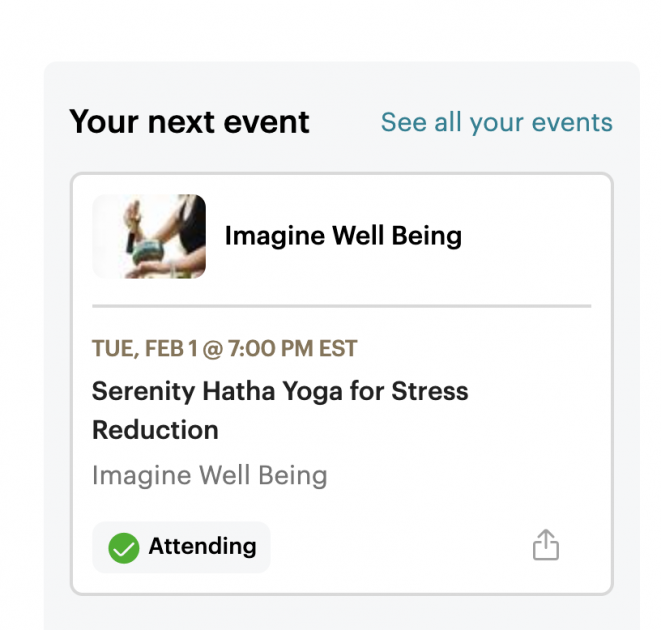
Your next event
The section under the calendar will display the soonest upcoming event that you’re registered for.
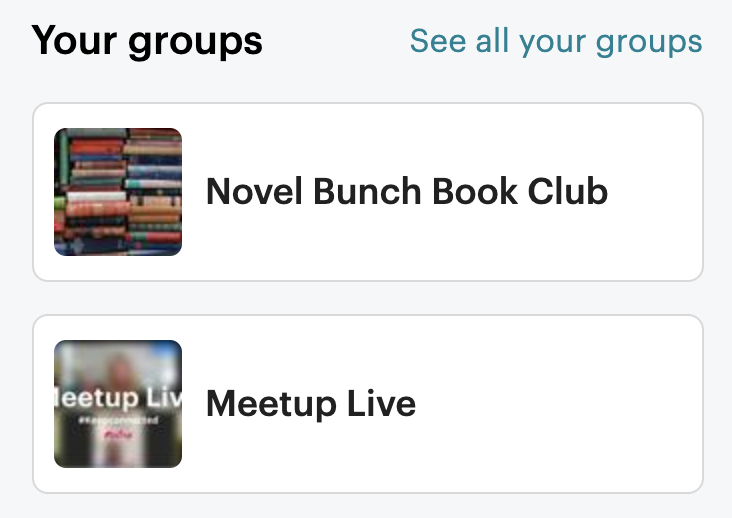
Your groups
Under your next event, you’ll see a list of the Meetup groups you have joined as a member or groups that you lead as an organizer. No more than five groups will appear in this list. If you have joined more than five groups, you can click “See all your groups” to see the full list.
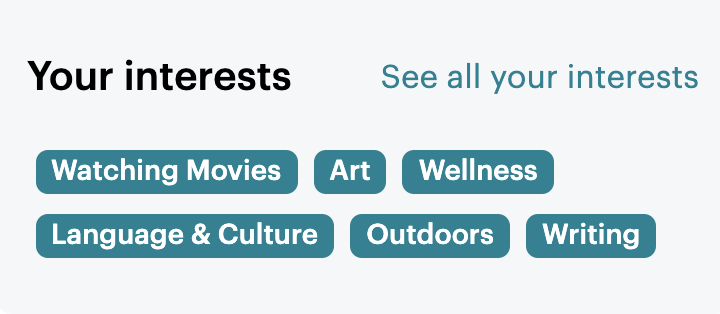
Your interests
Another new feature of the updated logged-in home is the section that displays your interests, which is easy to find under your list of groups on the left side of the page. By clicking on one of the interests on display, you’ll see events related to that particular interest.
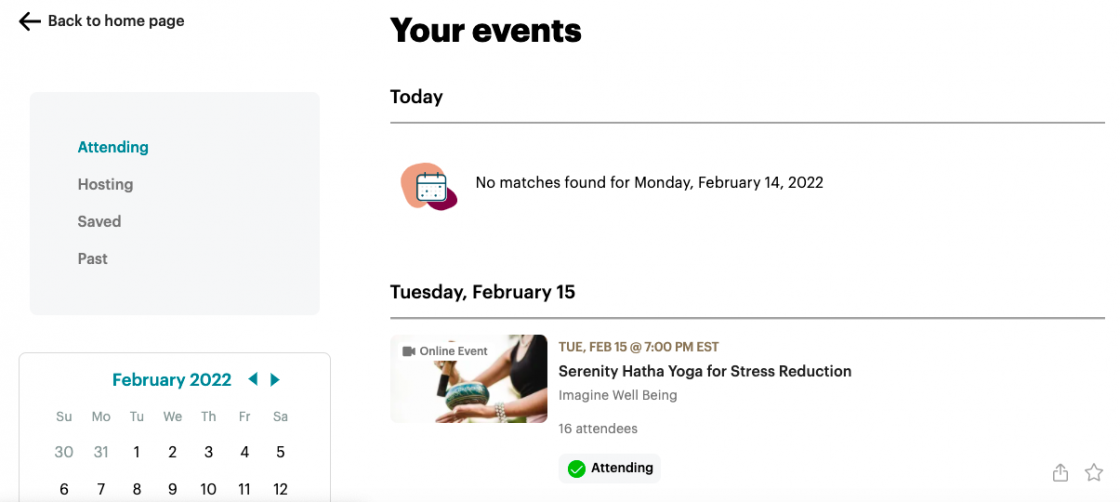
Your events page
Another new feature of the updated logged-in home experience is a refreshed page for your events. By clicking on your image in the top right corner of the homepage, you’ll see a menu with an option of viewing “Your Events.” Select the “Your Events” option to go visit the Your Events page, a place to see all of the events that you’re attending, have saved, have attended, or are hosting.
Tell Meetup what you think
The dedicated Meetup members and organizers who provided feedback on this and earlier versions of the new logged-in experience were essential to our design process. As Meetup continues to roll out new features and improvements to Meetup, we hope that you’ll take part in the conversation. If you have suggestions or feedback, let us know.

Last modified on September 13, 2023