

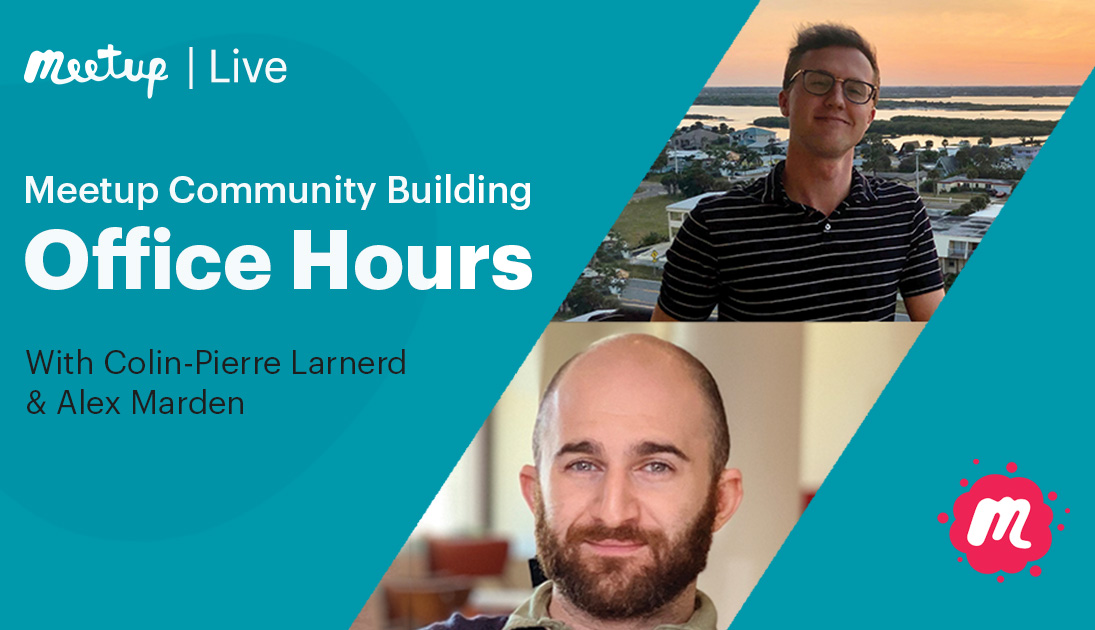



If you’re curious about making the most of Meetup or are looking for tips on building a thriving community, this is the event for you. Get all your questions answered during office hours hosted by Meetup’s Community Support team.
Watch this recording with two of Meetup’s customer support professionals, Alex Marden and Colin-Pierre Larnerd, while they explain the essentials you need to know about managing your group, hosting events, and making the most out of Meetup’s features.
Main Takeaways:
Product Updates
- The Event Scheduler now has the ability to choose which event communication tool to use: Event Chat, Event Comments, or both!
- You must choose at least one tool to keep on.
- Once you save or publish the event, you cannot change the setting.
- Edit recurring events in Organizer App
- The Meetup for Organizers app now supports editing all events in a series!
- Choose to apply changes to a single event or all following events.
Questions from the Meetup community
- My new profile picture isn’t updating across all my various groups. Can you advise when this bug can be fixed?
- This actually isn’t a bug. After you set a group profile photo, changing your account profile photo will NOT update your group profile. You can update each of your group profile photos individually.
- If you’d like to apply a new photo to your account and all group profiles, – let’s submit that feature request!
- How can I allow all members to post events without making them group leader?
- While general members cannot publish their own events, you or your leadership team can select any member as a one-time host when you schedule the event. If they do a stellar job, consider assigning them a leadership role!
- I just took over a group. How do I reduce membership from 680 to a more manageable number of active participants?
- You can sort through your member list to identify active or inactive members. Manually remove or ban inactive members from your group.
- For bulk removals of 100s of members, contact our Community Support team for assistance!
- I have 375 members but only 1-5 show-ups. What can I do?? How to interact in between events?
- Different strategies work for different communities! We often post articles to Meetup’s Community Matters blog about boosting engagement.
- Our Meetup Organizer Community on Discord hosts hundreds of active organizers and mentors, swapping tips and experiences about communicating with members and encouraging attendance.
- My motorcycle riding group’s presence is barely known. I have all the related interests put in. When I do a search as a “guest,” only out-of-state and bicycle groups are shown. Is Meetup able to make my group easier to find?
- There’s no guarantee or secret foul-proof method for matching interests to members in your area.
- We were aware of some confusion and frustration around results on our Find page. Based on your feedback, we recently launched an improvement to our Find page search engine! You can now search for a group by its exact name/title.
- “What are the differences between standard Meetup and Meetup Pro?”
- With a standard Meetup subscription, you may create and lead up to 3 groups.
- A Meetup Pro subscription allows you to:
- Own a network of more than 3 groups
- Access an analytics dashboard
- Collect member email addresses via MailChimp
- Create network events across multiple groups
- New: Highlight guest speakers in your upcoming events
- Learn more about Meetup Pro or start your free trial here.
Top Q&A Questions and Resources:
- I have someone who joined my group, posted an inappropriate picture and then left. How can I stop this?
Resources:
- Join the Meetup Organizer Community on Discord
- Product Feature Request Form
- Stay up to date on product updates
- Meetup’s Help Center
- For further support from our team or to report a bug, submit a direct request to our team using this form

Last modified on March 21, 2023