

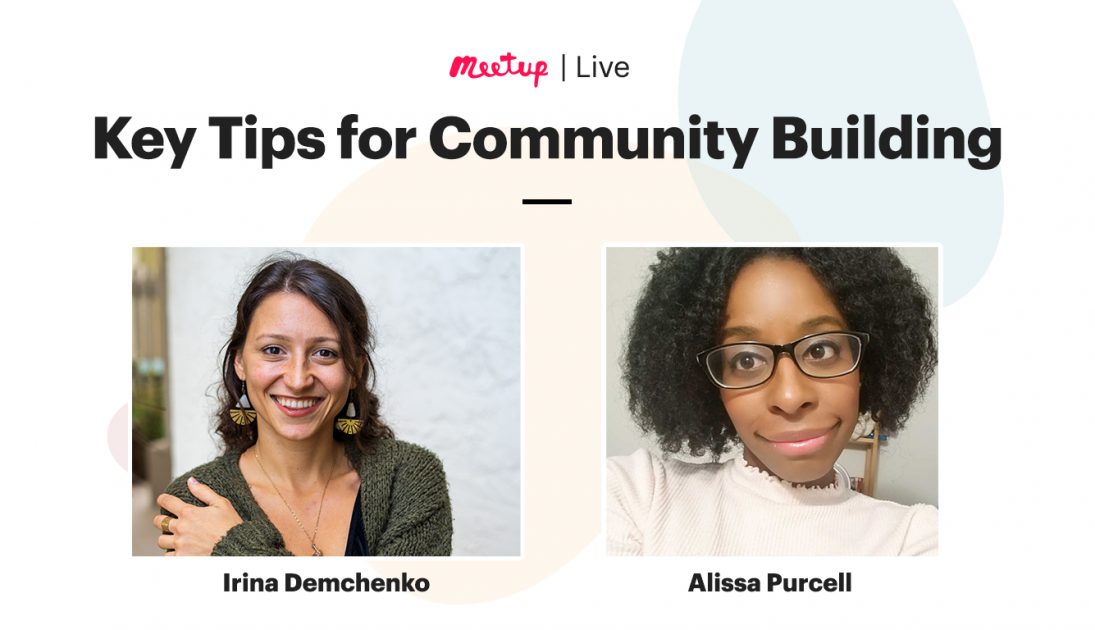


Thinking about starting a group? Wondering how to navigate the platform as a Meetup organizer? We’re here to help! Meetup has a variety of tools to help organizers bring communities together. We gave our organizers an all-access pass to learn from Senior Support Specialists at Meetup during a live demonstration.
Watch Irina Demchenko and Alissa Purcell as they answer common questions including how to foster engagement within a group, how to schedule a recurring event, and other advice on how to optimize your Meetup experience.
How to use Meetup Demo Timestamp:
- How do I start a group? (3:28)
- How do I schedule a recurring event? (11:08)
- How do I collect member dues? (16:08)
- How do I charge an event fee? (17:44) What if you want to use an external payment platform? (19:58)
- How do I build a leadership team? (22:27)
- How do I message my members? (33:58)
- Contact member tools (33:58)
- Contact attendees for a specific event (35:43)
- Mailing list (36:58)
- Discussions tool (38:16)
- How do event announcements and reminders work? (39:25)
- How do I get members to get more engaged with my group? (41:49)
- What are the rules for hosting an in-person event? (44:17)
- How do I navigate the help center? (46:23)
- Link to the help center: https://help.meetup.com/
Q&A Timestamp:
- Any way to delete members from a group? (49:49) Is the only way to remove members to write in? (54:51)
- If there is only one organizer how do I pass on those duties to someone else? (50:45)
- Help Center: Stepping down as the organizer of a group
- Members first or events first? What’s the best approach after a group is created? (51:14)
- As an organizer, do I still have control over the events created by or assigned to my leadership members? (52:15)
- How do I leave a group? (53:05)
- Help Center: How do I leave a Meetup group?
- Trust and safety issues (54:18)
- Fee for using Stripe? (56:05)
- Help Center: Setting up a Stripe account

Last modified on June 23, 2021