



Nearly 10,000 events are hosted on Meetup every day, and each has the potential to build connections and make someone’s day. Events are the backbone of community building. A great Meetup organizer has not only an eye-catching group page, but they also have great events that stand out. Attracting the right audience is easier when your events are intriguing, thoughtful, and well-organized, both on and offline. Here are some tips to help your events shine:
- Craft a captivating event title
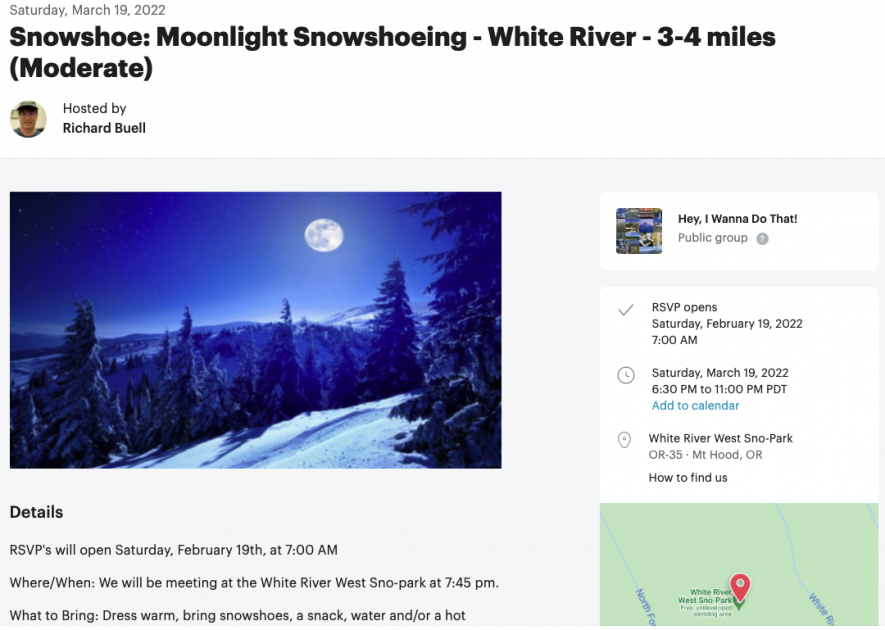
A specific, yet brief event title is the best way to go. Think about what would make someone who knows nothing about your group want to attend an event or learn more. Be descriptive—rather than just using “hike” or “happy hour” in the title, mention where the event will take place or any descriptive details like difficulty level or who the event is for. For example, instead of just calling the event “Snowshoeing,” this organizer opted for “Snowshoe: Moonlight Snowshoeing – White River – 3-4 miles (Moderate).” It’s clear what attendees can expect, where it takes place, and it begins with a compelling phrase. Use intriguing words whenever possible, and be open to playing around to figure out what works best for you. With a great title, members will want to learn more and head to the event page.
- Use rich text in the event description
One of the most highly requested features is now available for use in event descriptions: rich text! Draw attention to the most important, appealing, and interesting phrases in your event description with underlining, bold, italics, bullet points, and more. It’s now easier than ever to organize all of the information about the event and to help the best and most crucial parts stand out.
- Choose an eye-catching featured photo
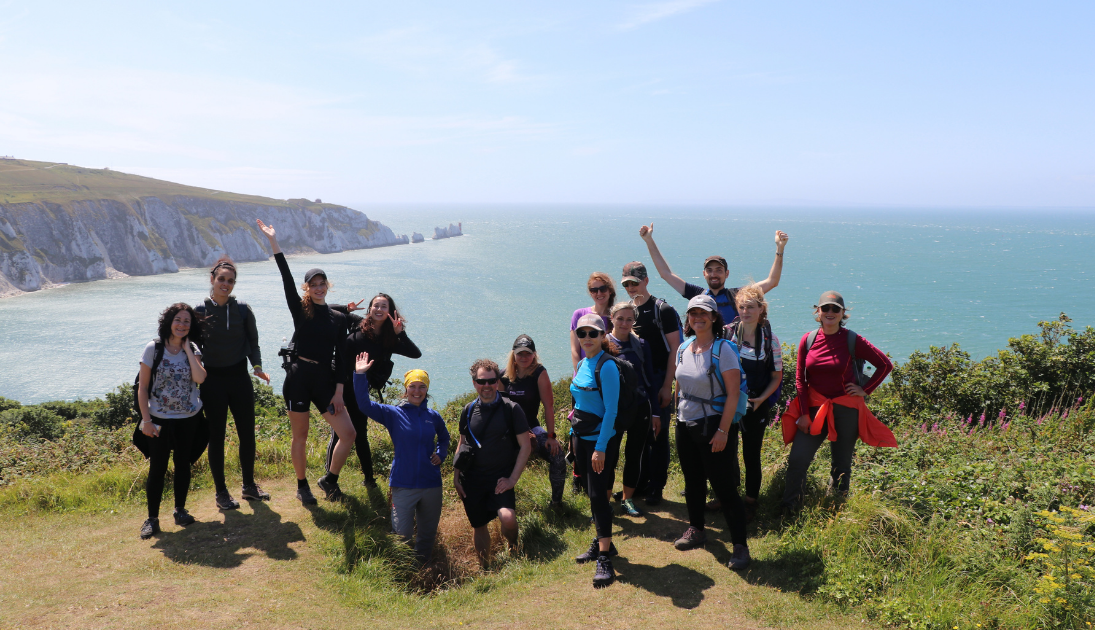
A great event page has a great photo to accompany it. Featured photos appear in event searches and on event pages, and are a quick and simple way for members to get an idea of what the event is about. Use group photos from a previous event, a graphic with your group name, or any other relevant image that can help add context for what an event is like. You can create graphics easily with tools like Canva, or find free-to-use images on sites like Pexels and Unsplash if you don’t have any photos from events quite yet.
- Use COVID-19 safety features for in-person events
While many members are eager to meet in person, they may have different safety expectations. Meetup has introduced COVID-19 safety features to allow organizers to be upfront about what members can expect when they attend in-person events. Organizers can easily note any mask and vaccine requirements, as well as show if the event is indoors or outdoors.
Another tried-and-true way to host events that will resonate with members is to get their input! Host a Meet and Greet event, an event template available in Meetup’s desktop experience. A Meet and Greet event is an online event without a formal agenda. It’s meant to help hosts gather members, get to know one another, and hear what people are looking for in the group.
No one knows your group better than you, so have patience and opt for trial and error as you find what works best for your group and events. Over time, you’ll gain a better sense of what clicks with your community. If you need help managing the group and events, consider recruiting some co-organizers. If you’d like a refresher or need help mastering the basics of creating an event, visit this resource in our Help Center.
Looking to stay on top of all things Meetup and get more tips like these? Join Meetup Live for live sessions with expert organizers and more, and check out the event recordings. Listen to our podcast, Keep Connected, to learn more about the power of community and how it’s impacted Meetup organizers across the globe. Stay up-to-date with Community Matters and check out other articles like this one in our Organizer Guide. Lastly, follow us on Facebook, Twitter, Instagram, and LinkedIn for inspiration, reminders, and tips for finding and building community.

Last modified on August 30, 2023